
The steps below must be followed in order for a Department Security Administrator (DSA) to obtain DACSS system access.
- If you need technical support for this course, contact training@finance.ucla.edu.
- If you have questions about the course material or obtaining access, contact dsasupport@finance.ucla.edu.
User Steps
- Complete the Financial Systems & Controls: Department Security Administrator Course.
Click the Start button on the top right of the webpage after signing in with your UCLA Logon ID.
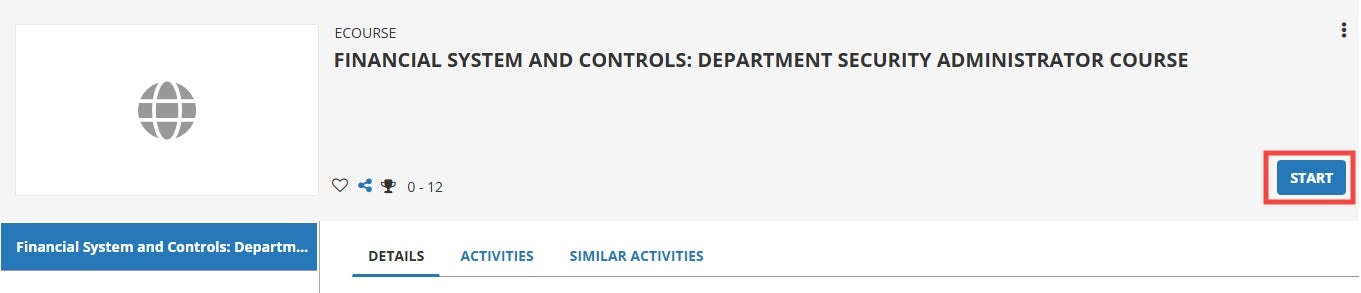
- Once you have completed the course, download your Certificate of Completion.
- Submit a copy of your training completion certificate to your current DSA.
- Your DSA will submit a System Access Request (SAR) on your behalf. The Financial Systems & Controls team will approve the request and instruct DTS to grant the DACSS function CL002.
- Allow five business days to be assigned access.